Internet for the chronically online
Professional high upload speed plans to satisfy your hunger for a better and more versatile connection.
Enter your address
Find Aussie Broadband internet plans available for your home.
Already with Aussie Broadband? .
Choose your internet plan


*New customers and eligible existing upgrading customers only. Ends 15/11/2026 11:59pm AEDT. T&Cs apply (opens in new tab).
Additional charges may apply for a new property development and subsequent installations. Not available at all premises. All prices subject to change without notice.
Choose your add-ons
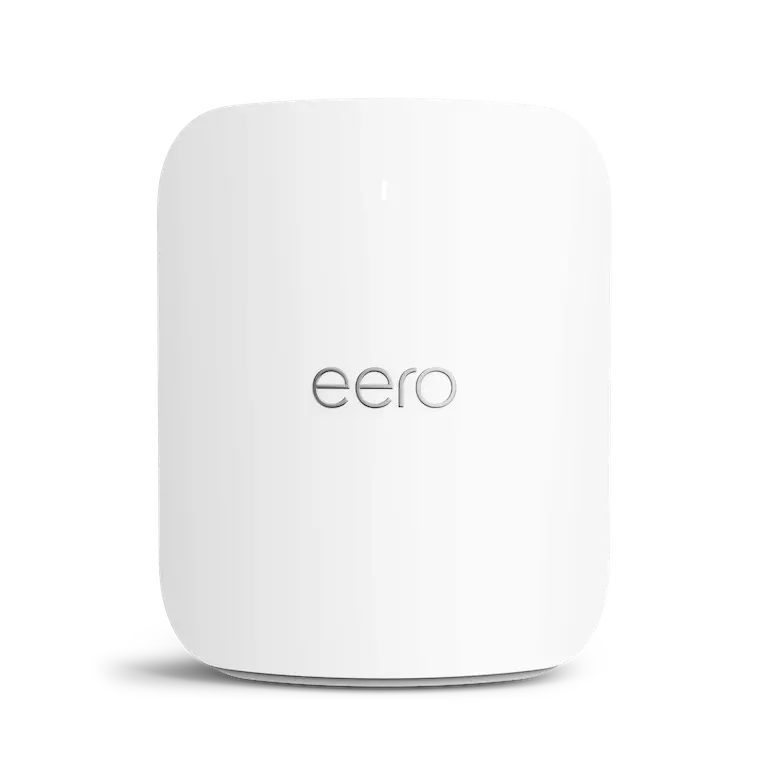
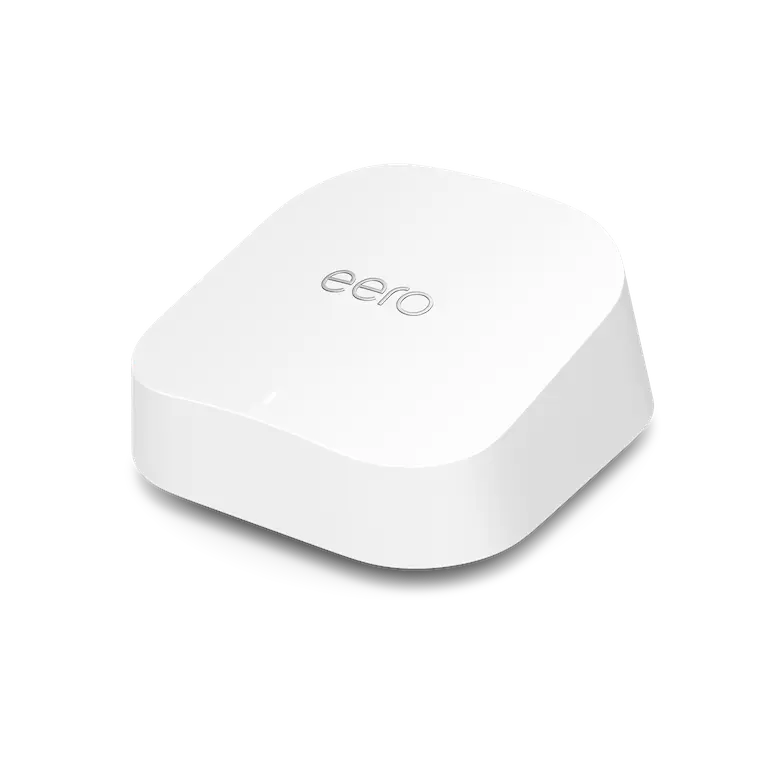
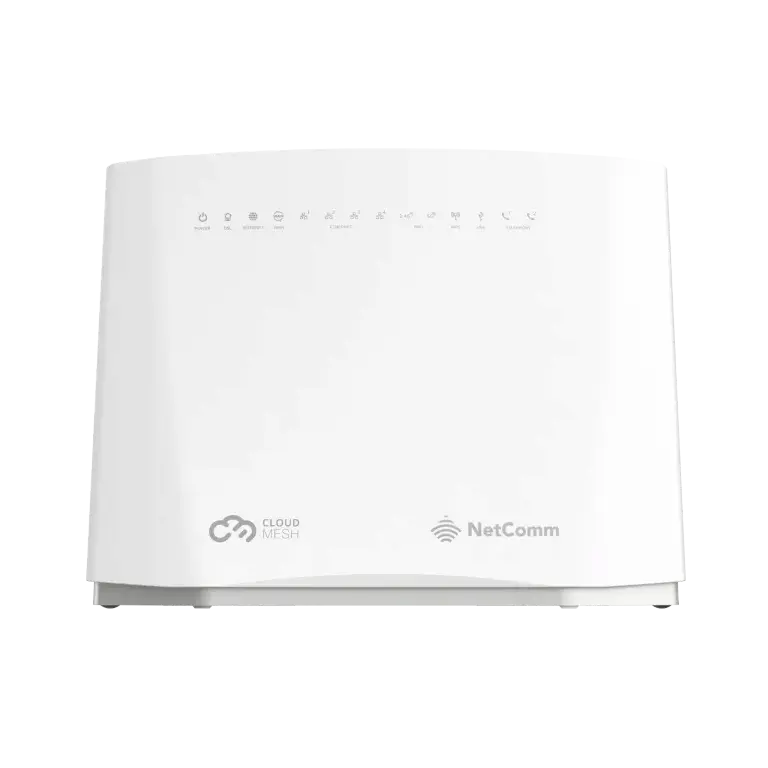
Add Modem/Router?
Choose from our range of devices or bring your own.
Add a Phone service?
Starting from $0/month for our Casual phone plan.
Note: if you do not transfer your landline number it may be disconnected when you connect to the nbn®.
Bundle mobile for bonus savings
†Does not stack with other mobile SIM promo codes, but will apply at the end of the promo period. Maximum 5 SIM plans per account. T&Cs apply.
Our network makes your tech work
Connect to our purpose-built network and experience the difference. Our core network features protected 100G links to all 121 nbn® POIs as well as 800G intra-state backbone between POPs.
Keen to dig a little deeper? Explore our backhaul and peer link connections below.
Adelaide
- 100GDarwin1x100G Link
- 600GMelbourne2x100G Links 1x400G Link
- 600GPerth2x100G Links 1x400G Link
- 200GSydney2x100G Links
- 100GDarwin
Auckland (NZ)
- 20GSydney2x10G Links
- 20GSydney
Brisbane
- 1200GSydney3x400G Links
- 1200GSydney
Canberra
- 100GMelbourne1x100G Link
- 200GSydney2x100G Links
- 100GMelbourne
Darwin
- 100GAdelaide1x100G Link
- 100GPerth1x100G Link
- 100GAdelaide
Hobart
- 200GLaunceston2x100G Links
- 100GMelbourne1x100G Link
- 200GLaunceston
Launceston
- 200GHobart2x100G Links
- 100GMelbourne2x100G Links
- 200GHobart
Los Angeles
- 100GSan Jose1x100G Link
- 100GSydney1x100G Link (Telstra Endeavour)
- 100GSan Jose
Melbourne
- 600GAdelaide2x100G Links 1x400G Link
- 100GCanberra1x100G Link
- 100GHobart1x100G Link
- 100GLaunceston2x100G Links
- 1200GSydney3x400G Links
- 600GAdelaide
Perth
- 600GAdelaide2x100G Links 1x400G Link
- 100GDarwin1x100G Link
- 300GSingapore2x100G Links (Indigo West)1x100G Link (Vocus ASC)
- 200GSydney2x100G Links
- 600GAdelaide
Singapore
- 300GPerth2x100G Links (Indigo West)1x100G Link (Vocus ASC)
- 300GPerth
San Jose
- 100GLos Angeles1x100G Link
- 100GSydney1x100G Link (Hawaiki)
- 100GLos Angeles
Sydney
- 200GAdelaide2x100G Links
- 20GAuckland (NZ)2x10G Links
- 200GCanberra2x100G Links
- 100GLos Angeles1x100G Link (Telstra Endeavour)
- 1200GMelbourne3x400G Links
- 200GPerth2x100G Links
- 100GSan Jose1x100G Link (Hawaiki)
- 200GAdelaide


























Already turned it off and on again?
These diagnostic and troubleshooting tools are some of the reasons we're different from the rest.
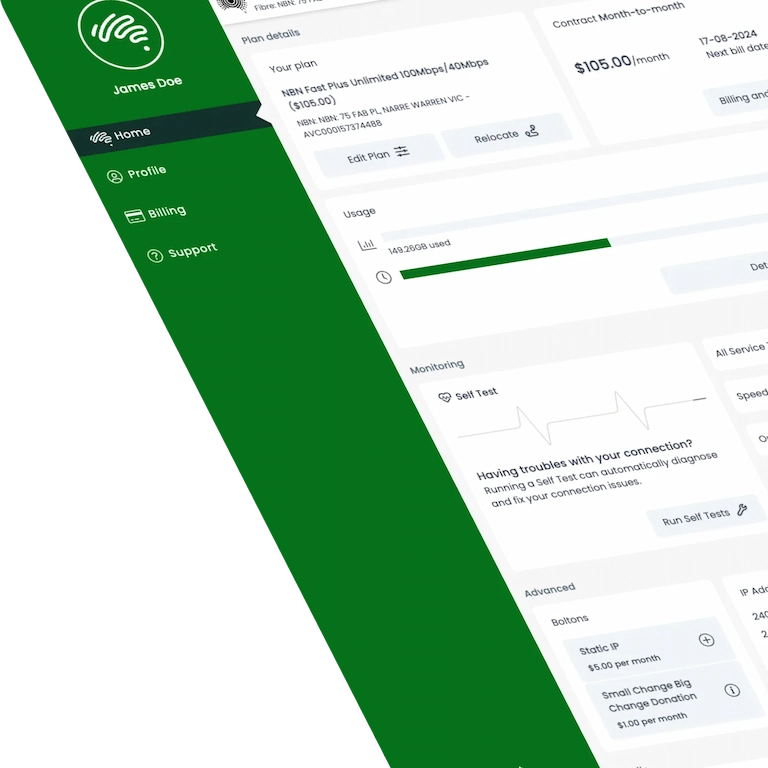
Run your own service tests like a pro
We've put the power in your hands with our award-winning app, designed to give you more control of your own service, allowing you to diagnose and troubleshoot your own connection.
- Kick your connection
- Run loopback tests
- Check UNI-D status
- Perform a port reset

Real-time routing transparency
In the spirit of no BS transparency, our Looking Glass, which our network administrators use to troubleshoot connectivity issues, is public. Run network tests such as ping, BGP and traceroute, from a specific location in the network. Pretty nifty, huh?
Visit our looking glassPush button, summon wizards*
*Not actual wizards, but our engineers are basically the same thing
When you're experiencing a fault with your internet connection, you want it fixed as fast as possible. In MyAussie, you can report it with the push of a button, automatically summoning our engineering wizards to investigate ASAP.
How to report a faultOur experts have got you covered
From our team of local experts to our team of network engineers, we've got the right people in your corner to keep you connected.
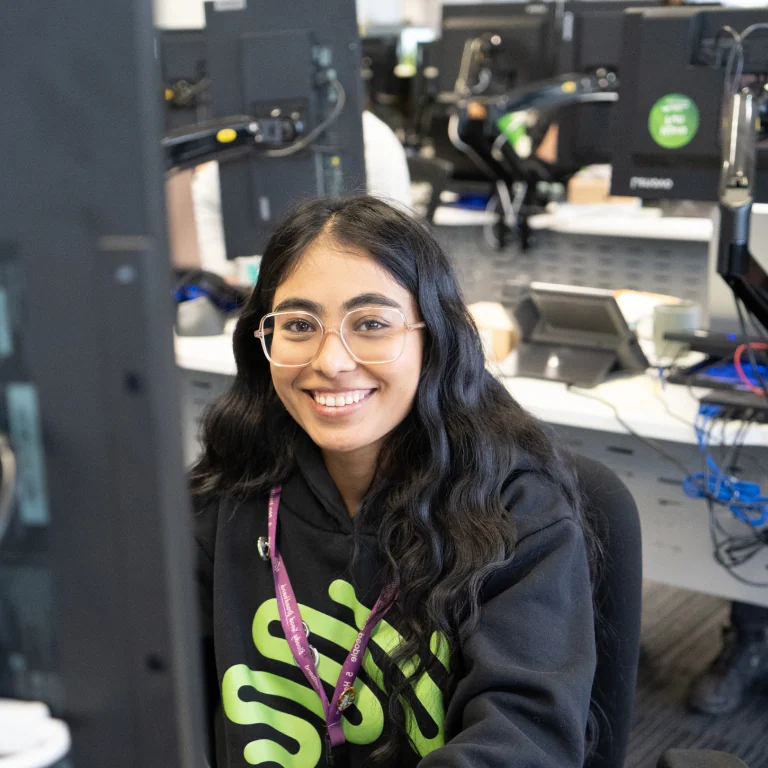
Locals who know their sh*t and speak your language
They're across all the network customisations you might have in place so you can get straight into fixing the issue.
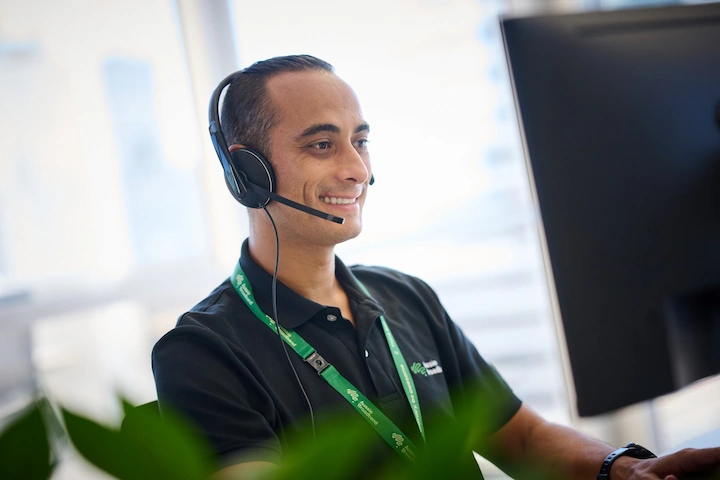
Aussie experts who are trained troubleshooters
From setting up Quality of Service and Port Forwarding to running trace routes and DNS updates — our experts know their stuff.

Network engineer legends who tune the network
Our first-class network team works around the clock to monitor and optimise our network using analytical data to enhance customer experience.
Frequently asked questions about our nbn® PRO plans
Still unsure? Have a look through our most frequently asked questions, and please don't hesitate to reach out to our friendly support team if you don't see an answer to your question.